
Skip to content
Streetwatch
Digital driving log

Electronic driving log
From GPS and app.

Trips, times and odometer readings are prefilled from the GPS tracker. Your drivers check them in the app, tap breaks and other working time themselves and note any deviation as a remark. You review every working day in the portal.

  • Driving time from every trip
  • Breaks with a tap
  • Working days as PDF and Excel
  • Advice from Austria
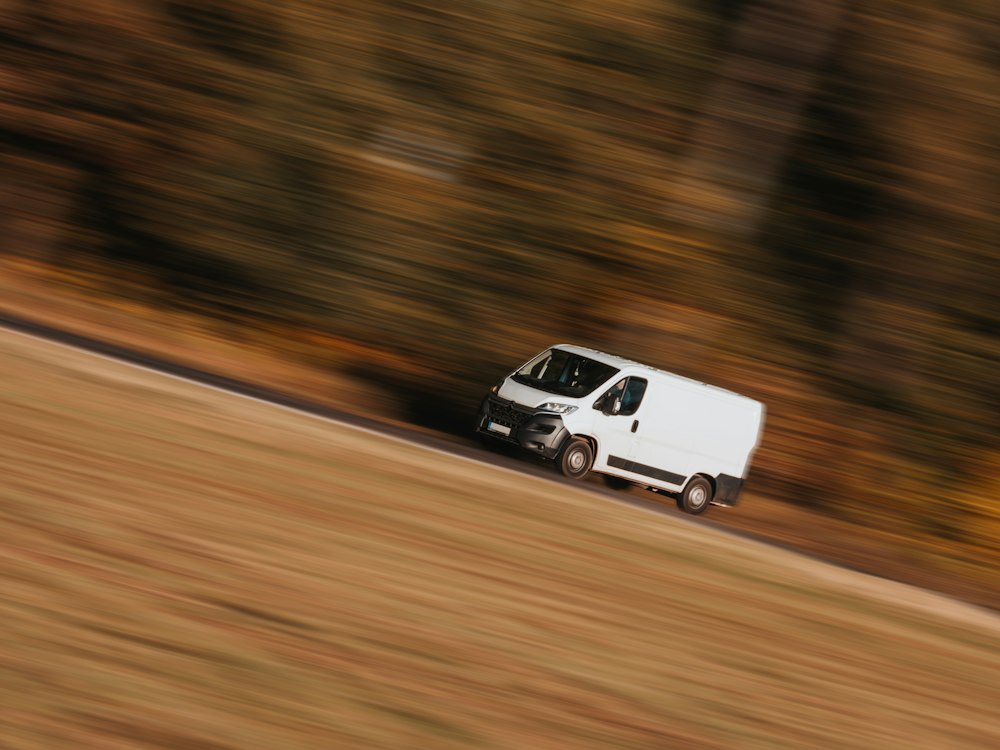
White panel van on a country road

What the Driving Log Regulation requires.

In Austria, employees keep a driving log when they drive a motor vehicle without a tachograph on public roads and no exemption applies (§ 17(3) AZG, §§ 1 and 2 LP-VO).

What goes into it

Name, date, registration numbers, odometer readings at the start, at the end and at every change of vehicle, operating time, rest breaks and driving breaks, signature and remarks. Unless the collective agreement allows otherwise, also all other working time and the total driving time (§ 5 LP-VO).

Record as you go

The driver makes the entries personally and continuously. A correction must leave the original entry recognisable (§ 4 LP-VO).

Carry 56 days

The driver carries the driving logs of the last 56 calendar days and shows them on request during an inspection (§ 4 LP-VO).

Keep them long enough

After that, the employer keeps the driving logs for at least 24 months, sorted by driver and date. Counted from the day of the drive, that is about 787 days (§ 3(4) LP-VO).

Check every month

At least once a month, the employer checks the driving logs and records this with date and signature in the register of drivers (§ 3 LP-VO).

Electronic logs are allowed

An electronic driving log is allowed if, among other things, every entry is assigned to a driver, everything is kept complete in one system, can be viewed and printed at any time, and a later change leaves the original entry visible (§ 5(4) LP-VO).

If the employer does not make sure the driving log is kept, a fine may be imposed (§ 28 AZG).

How your driving log comes about.

  1. Log in

    The driver logs in to the driver app with user name and PIN and, depending on the setup, assigns themselves to the vehicle with a driver key or a QR code.

  2. Drive

    The GPS tracker detects every trip and prefills the vehicle, the times and the odometer readings in the driving log. The driving time follows from them.

  3. Enter and check

    The driver taps standby, other working time and rest break in the app as they happen. There, the driver also checks every working day with its trips and odometer readings and notes additions and deviations as a remark.

  4. Check and print

    In the portal, you check every working day, add missing entries with a reason and create the printout as PDF or Excel. Every correction stays visible with its previous value.

On request, the app sends the driving log of the last 56 calendar days as a PDF to an e-mail address.

The driving log on video.

Our short introductory video shows how the digital driving log works.

Talk to an advisor

We are happy to advise you, without obligation, on the electronic driving log for your fleet. You can rely on more than 10 years of experience in GPS tracking.


Note: Fields marked with an asterisk (*) are required.

Ing. Andreas Stachetsberger

Your contact

Ing. Andreas Stachetsberger